DicaNote supports two practical patterns:
- Task notes — a whole note is a to-do with date and reminder.
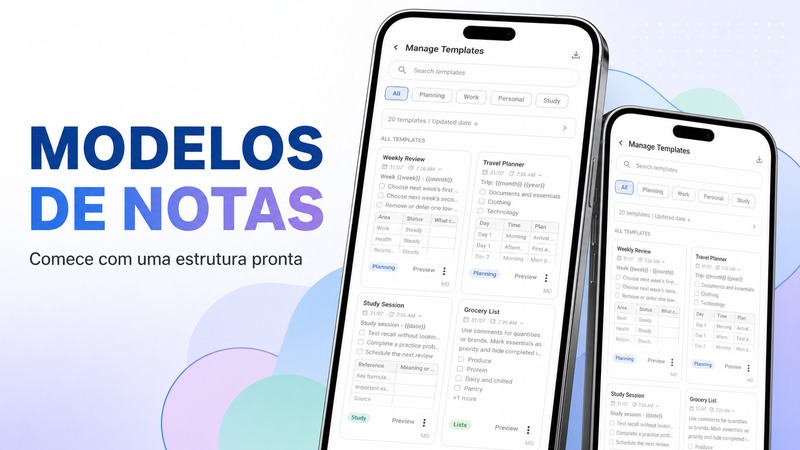
- Checklists inside a note — items on a packing list or project page.
Create a task note
- Create a note (or open an existing one).
- Mark it as a task in the note options (title completion / task controls).
- Set a due date and optional time.
- Enable a reminder if you want a notification.
- Save.
Examples from the demo library:
- Confirm lodge check-in
- Buy trail snacks
Checklist inside a note
- Open a note such as Packing list.
- Add checklist items with the checklist control or Markdown
- [ ]lines. - Check items off as you complete them.
When to use which
| Situation | Prefer |
|---|---|
| One action with a deadline | Task note + reminder |
| Many small items for one project | Checklist inside a note |
| Project overview | Plan note + linked task notes |
FAQ
Do reminders work with the phone locked?
Reminders use Android notifications. Allow notification permission for DicaNote so alerts can appear on time.
Can a task link to a larger plan?
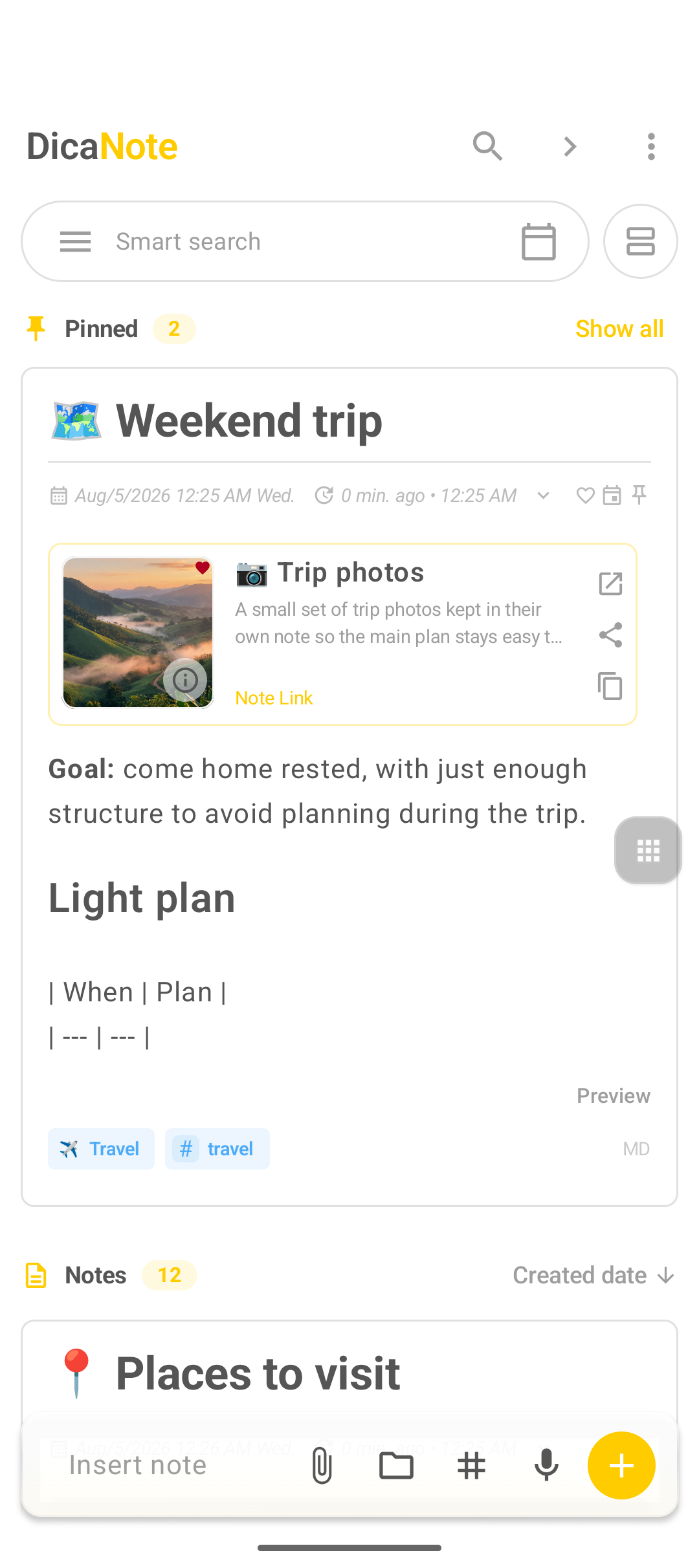
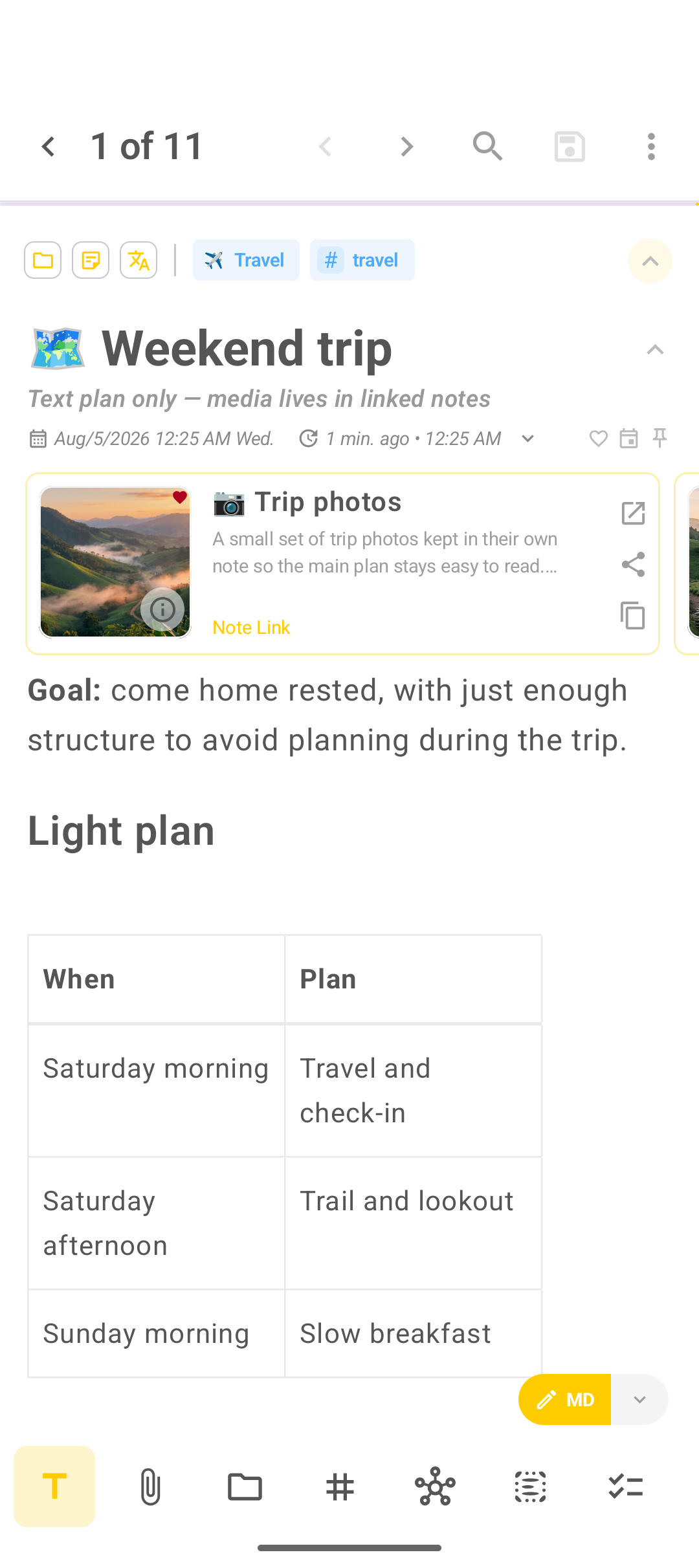
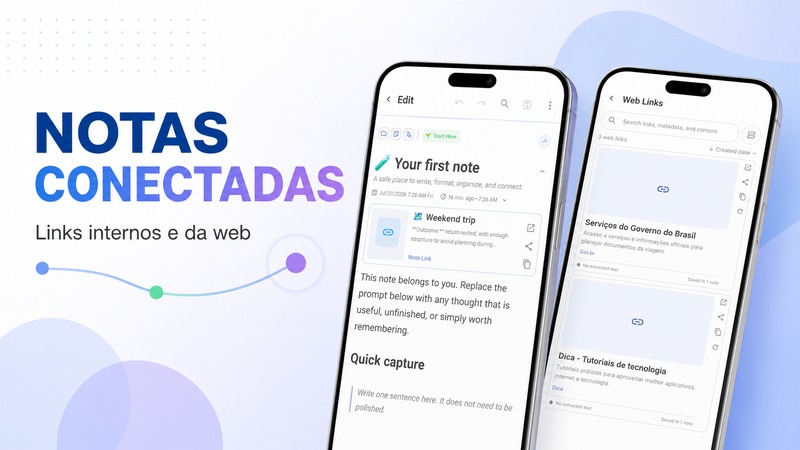
Yes. Relate the task to a project note such as Weekend trip so context stays one tap away.